
About this software
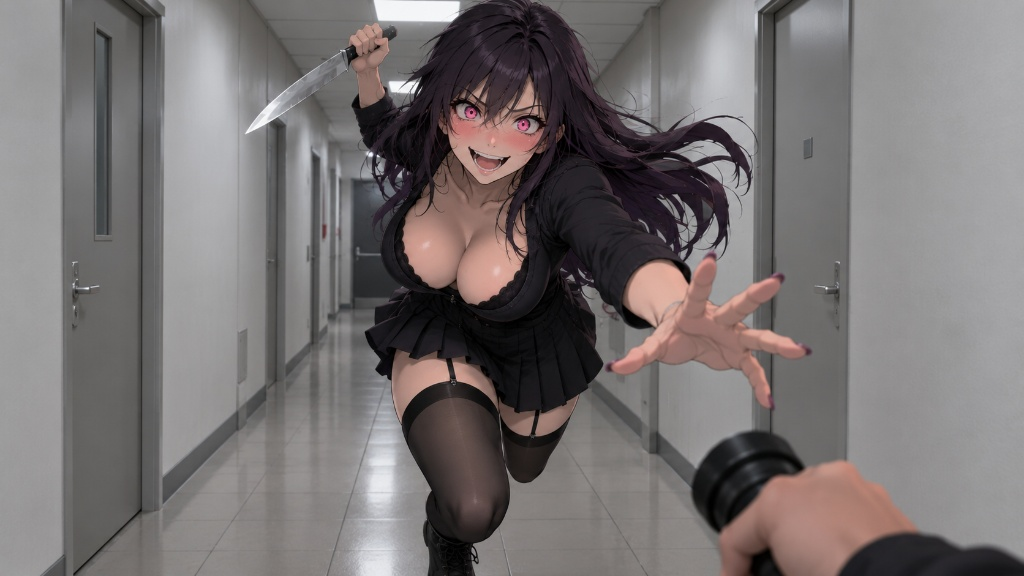
You run Dr Pixel on top of any game and change its look while you play. Install it once and use it across your whole library, with no mods or per-game setup.
- Color and clarity: sharpness, color grading and HDR support.
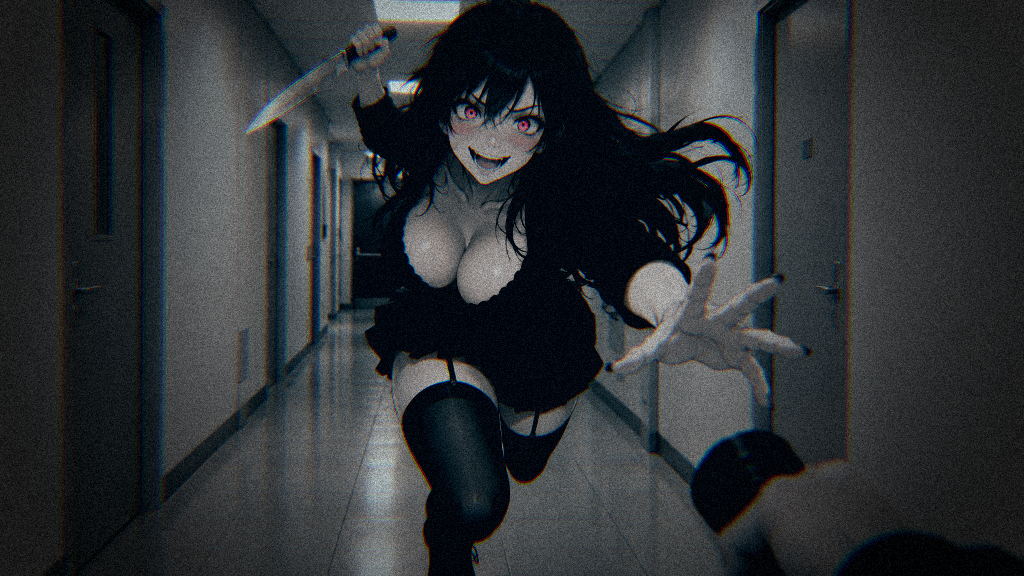
- Filters: Oil Painting, Comic, Retro, 8-Bit, Noir and more.
- Cinematic and fun: film grain, cinema bars, rainbow colors and fire particles.
- Your own look: mix any sliders, or press the dice for a random preset.
- Online games: Multiplayer mode captures through Windows and stays out of the game’s files and memory.
All features
Color and clarity
- Sharpness: restores detail without halos or oversharpening.
- Color grading: exposure, contrast, saturation, white balance, tint, shadows, midtones and highlights.
- One-click looks: Warm, Cold, Sepia and Black & White.
- HDR and SDR: Dr Pixel works on both kinds of display.
Filters
- Art styles: Oil Painting, Comic and Woodcut.
- Retro looks: Retro with scanlines and screen curvature, 8-Bit and a Pixelation slider.
- Color moods: Noir, Crimson, Naturefade, Vibrant, Exquisite and Color Shift.
- Color tools: Isolation keeps one color and turns the rest gray. Color Control tunes each color band on its own.
Cinematic and fun
- Film look: film grain, chromatic aberration and bloom with an adjustable threshold.
- Lens: Lens Distortion and a vignette with its own color, feather and blur.
- Borders: cinema bars and a black border.
- Fun filters: Invert, Rainbow and Fish eye, plus Sparkles and Fire particles.
- Random preset: press the dice or your own hotkey for a surprise look or a challenge run.
Simple by design
- Download and play: you set nothing up per game, and Dr Pixel leaves your game files alone.
- Presets or your own look: mix any sliders and filters across the tabs.
- Auto capture: picks the most efficient capture method for you.
Works with your games
- Window modes: windowed and fullscreen games both work.
- Four capture modes: Auto, WGC, DXGI and Hook, for wide compatibility and low overhead.
- Multiplayer mode: captures the picture through Windows and stays out of the game’s process, memory and files.
- Preferred GPU: choose which graphics card runs the effects, handy on laptops with two GPUs.
How it works
- Download Dr Pixel
- Start your game
- Pick a look
System requirements
Minimum
- Requires a 64-bit processor and operating system
- OS: Windows 10 version 2004
- Graphics: Modern integrated graphics
- DirectX: Version 11
Recommended
- Requires a 64-bit processor and operating system
- OS: Windows 11 version 24H2
- Graphics: GeForce RTX 20 series / Radeon RX 5000 series / Arc series
- DirectX: Version 11
FAQ
Is Dr Pixel a good ReShade alternative?
Yes, if you want ReShade-style looks without the setup. You install ReShade into each game and add shader packs. With Dr Pixel you download one app, start any game and pick a preset.
Do I have to install it for every game?
No. You download Dr Pixel once and use it across your whole library, in windowed and fullscreen games. Your game files stay as they are.
Can I use game filters in online games without getting banned?
Press Multiplayer before you play online, and run the game in windowed or borderless fullscreen mode. Dr Pixel captures the finished frame through Windows and stays out of the game’s process, memory and files. Anti-cheat looks for tools that load into the game itself.
Is there an alternative to NVIDIA game filters for AMD and Intel GPUs?
Yes. Dr Pixel runs on NVIDIA, AMD and Intel graphics, integrated GPUs included, and works in any game. NVIDIA’s filters need a GeForce card and a game from NVIDIA’s supported list.
Will it lower my FPS?
That depends on the filter and your resolution. Dr Pixel runs on modern integrated graphics, and we recommend a GeForce RTX 20 series, Radeon RX 5000 series or Intel Arc GPU. On a laptop, pick the dedicated GPU in the System tab.
How do I make my games look better on PC?
Raise Sharpness to bring back detail, and use color grading to fix exposure, contrast, saturation and white balance. For a quick start, pick a ready look like Vibrant or Noir.
How do I add a CRT, retro or 8-bit filter to any game?
Pick Retro for scanlines, screen curvature and phosphor glow, or 8-Bit for chunky pixels. The Pixelation slider sets the pixel size.
Can I make a game look like a comic or a painting?
Yes. Comic adds bold ink outlines and printed shading, and Oil Painting gives you soft brushstrokes. For black-and-white engraving, try Woodcut.
Can I make my own filter?
Yes. Mix any filters and sliders across the Color, Filters, Cinematic and Fun tabs into your own look. Press the dice, or a hotkey you set, to roll a random preset for a fun run or a challenge.
Does it support HDR?
Yes. Dr Pixel works with HDR and SDR.
Does it run on Steam Deck, Linux or Mac?
Not at the moment. Dr Pixel needs 64-bit Windows 10 version 2004 or newer, or Windows 11, with DirectX 11.
When does it come out?
Dr Pixel is coming soon on Steam. Wishlist it and you’ll get a notification at launch.